
Kins brings parents together in one app: local groups, a map of nearby families, and a marketplace for baby items. We designed the screens, from the first splash screen to settings.
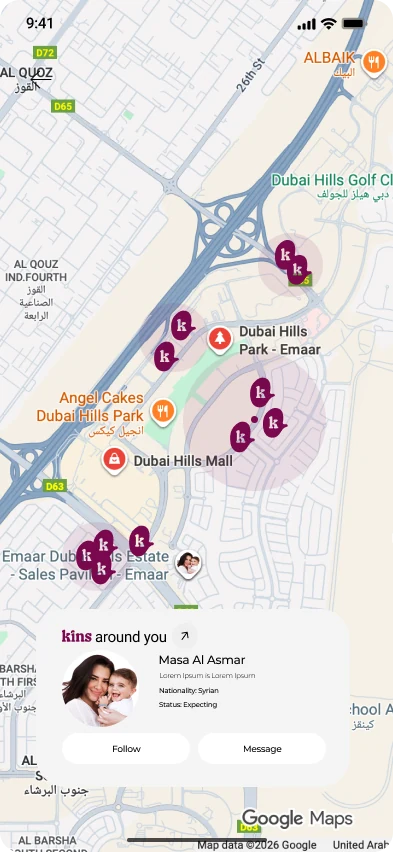
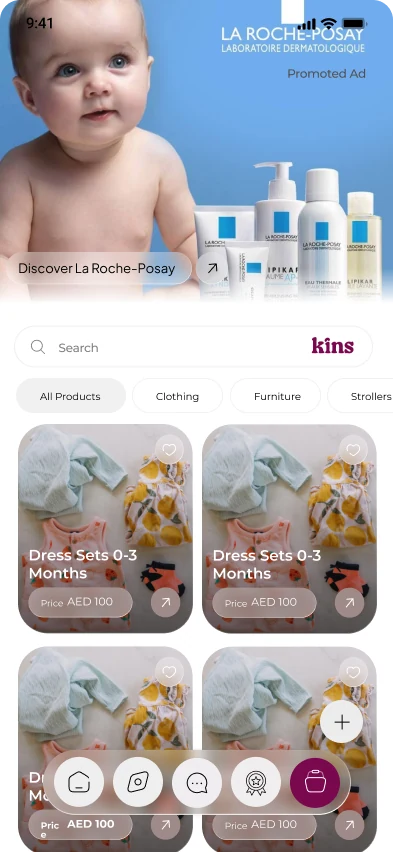
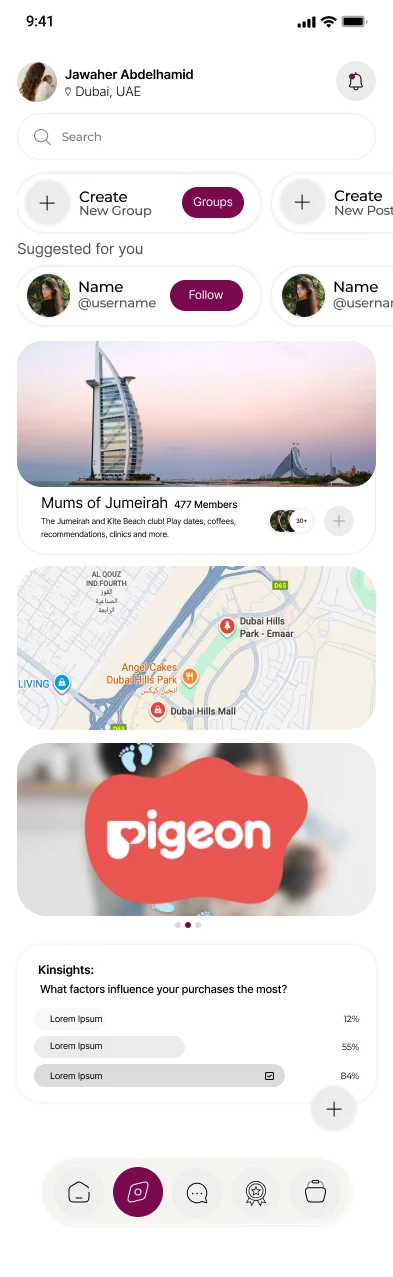
Kins is a community app for parents and families. Members join local groups, follow each other, find other parents nearby on a map, and buy or sell baby items in a marketplace.
Our job was the UI/UX design. We worked on the whole journey a parent goes through: signing up, finding their people, browsing and listing products, and managing their own profile. The result is a clean set of screens built around one brand colour, soft rounded cards and plain, easy actions.
This is the kind of work we do in our UI/UX design service. Browse more projects in our portfolio.
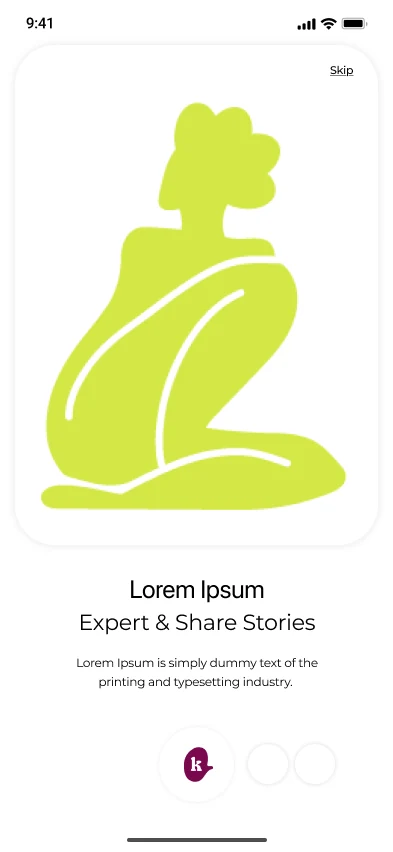
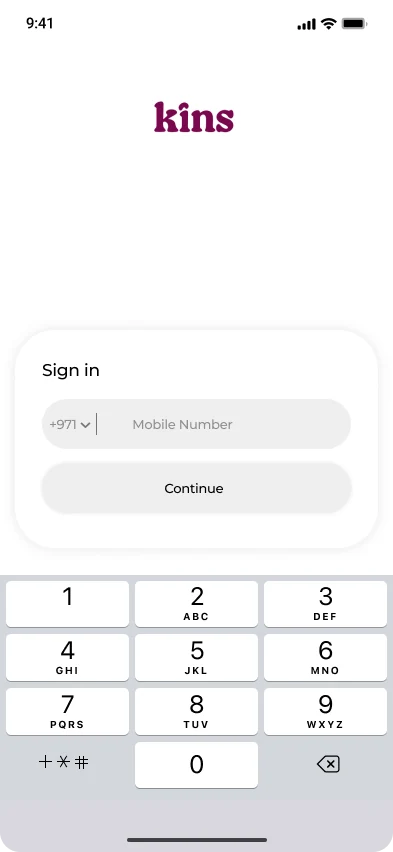
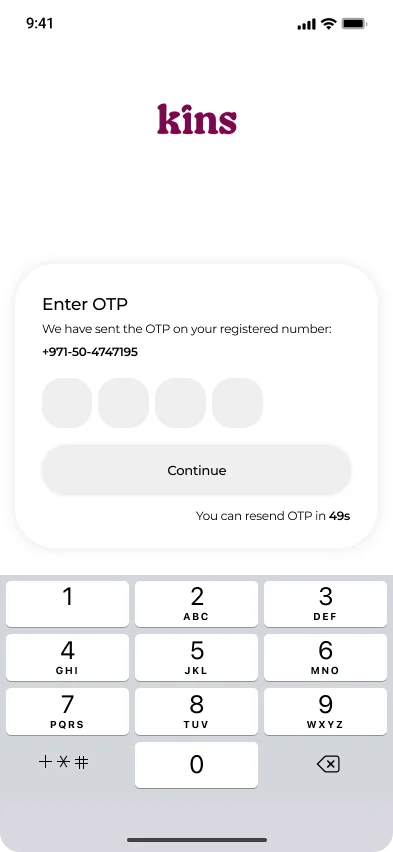
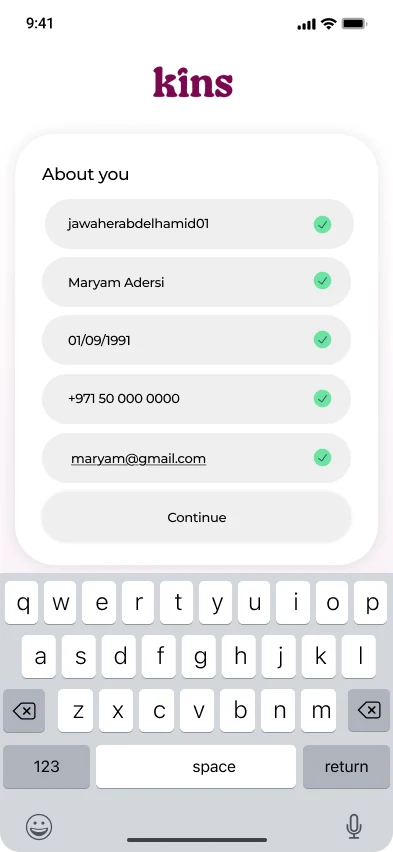
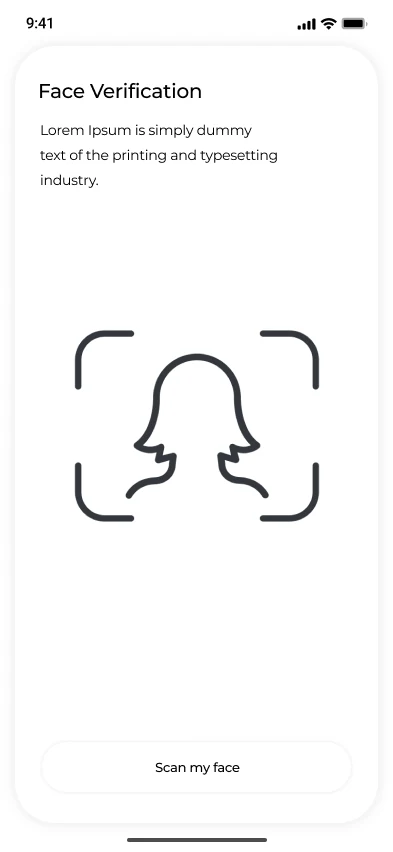
A new parent should be inside the app in a minute. We split sign up into short steps, so each screen asks for one thing and nothing feels like a long form.

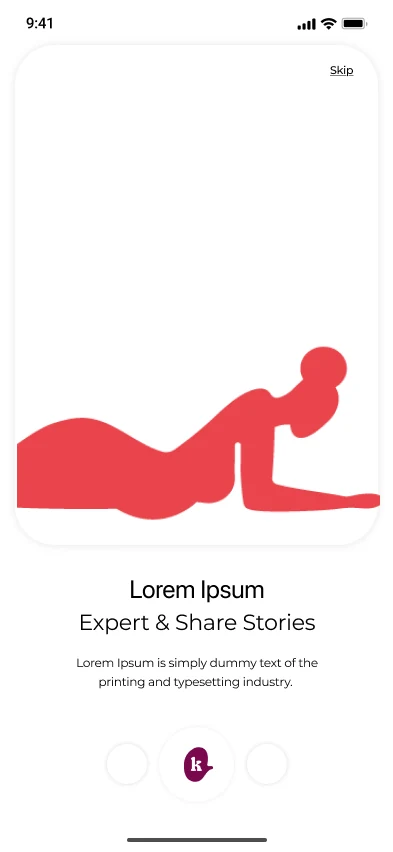
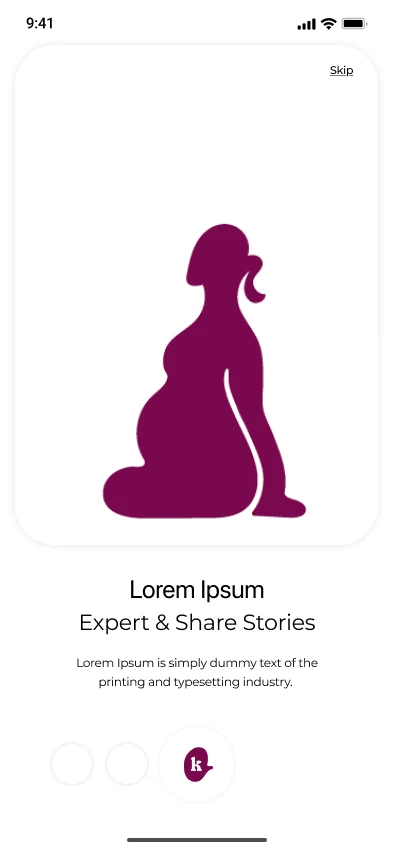
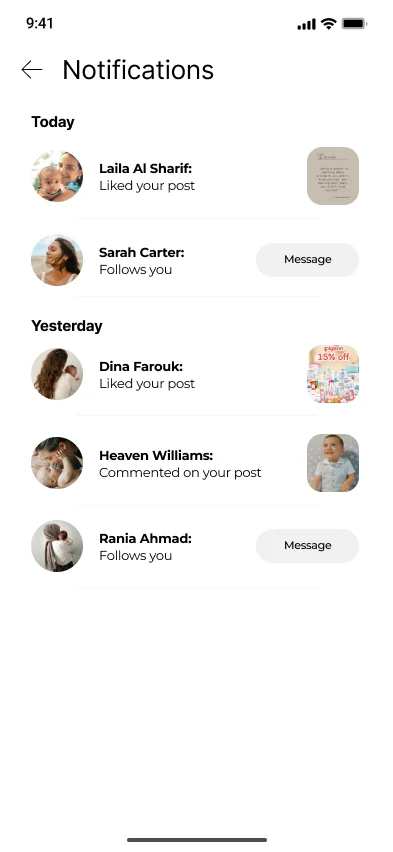
The home feed puts groups, suggested members and posts in one scroll. A map shows other Kins members around you, with a quick follow or message, and notifications keep the conversation going.
Hover to scroll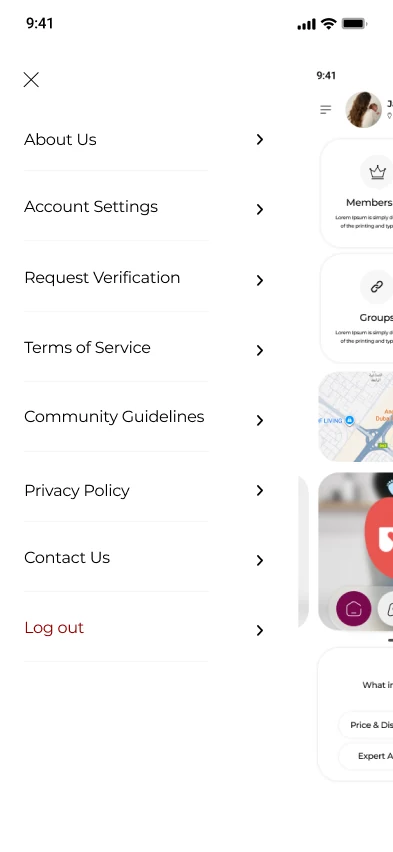
 Hover to scroll
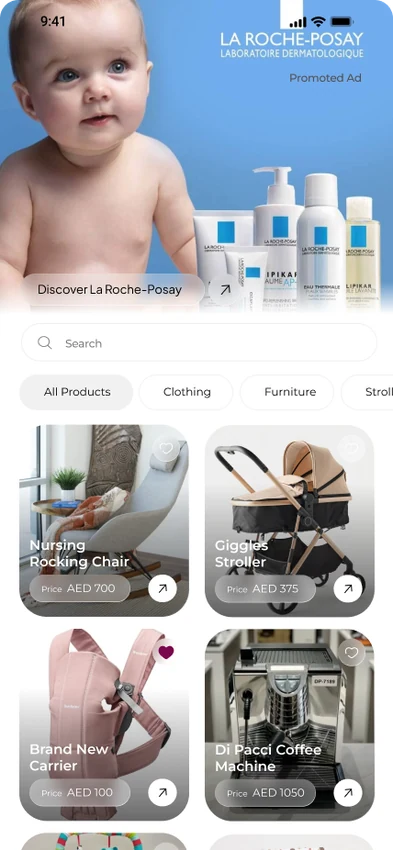
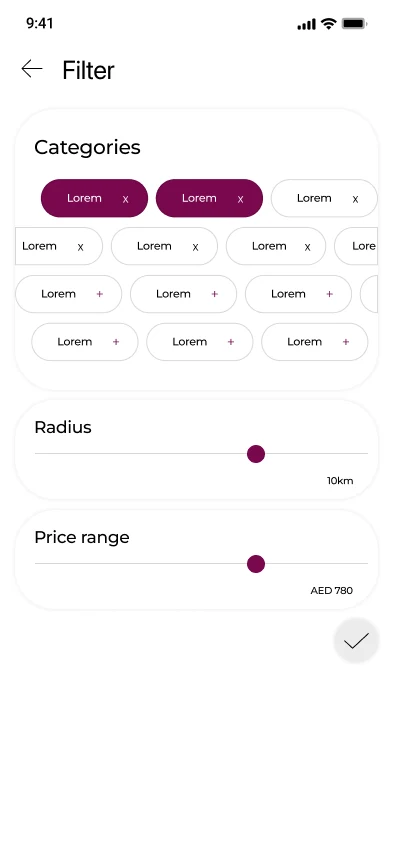
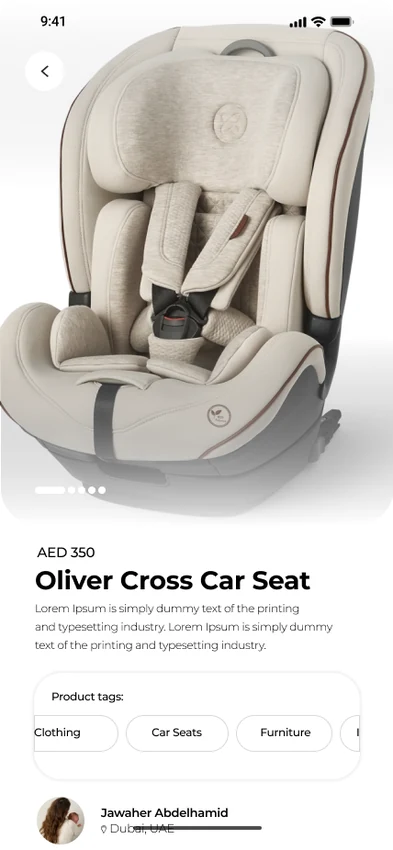
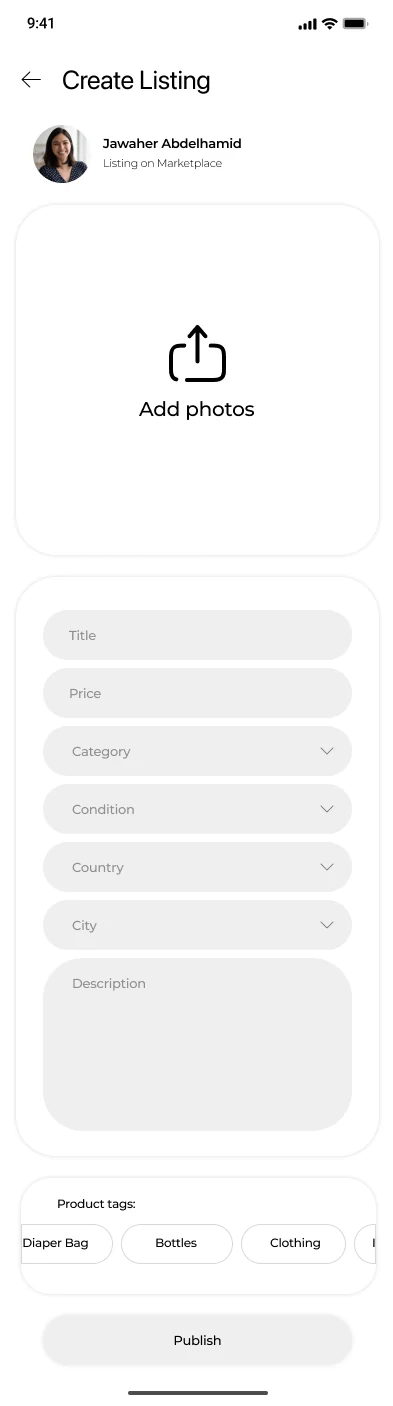
Parents can browse by category, filter by distance and price, open a product and message the seller, or list their own item with photos in a few taps.
 Hover to scroll
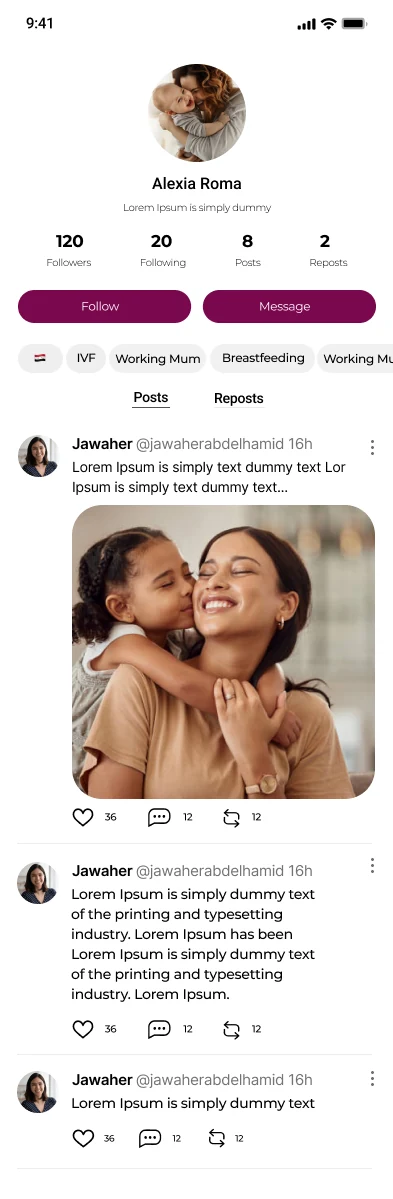
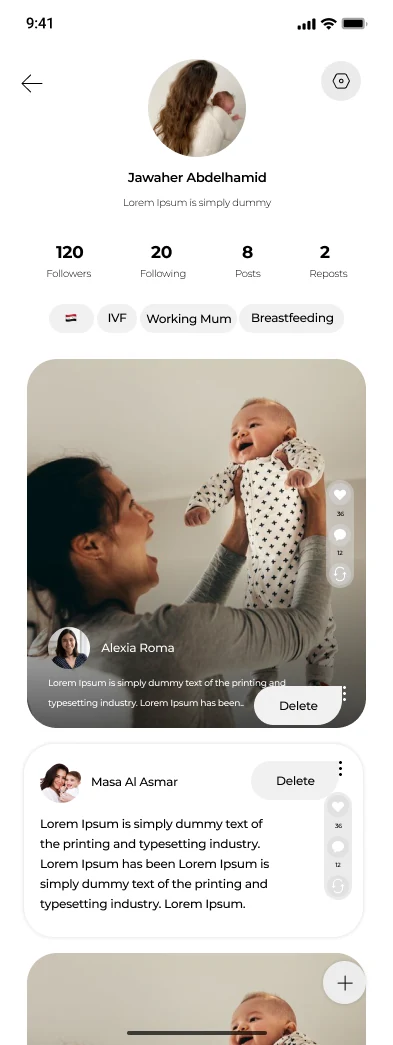
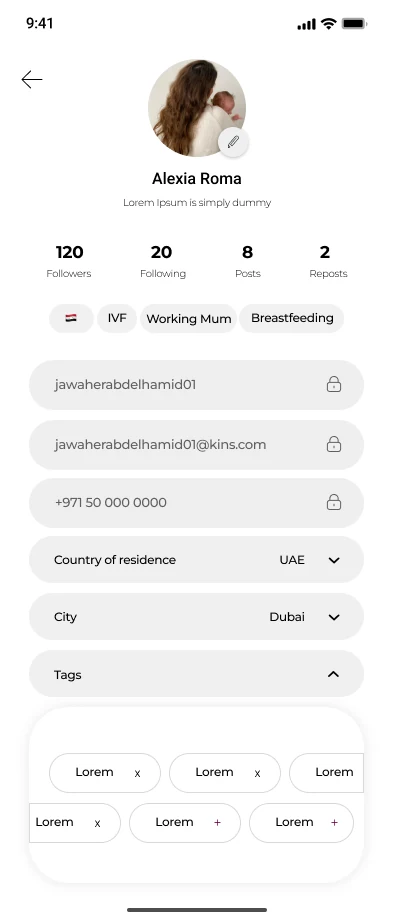
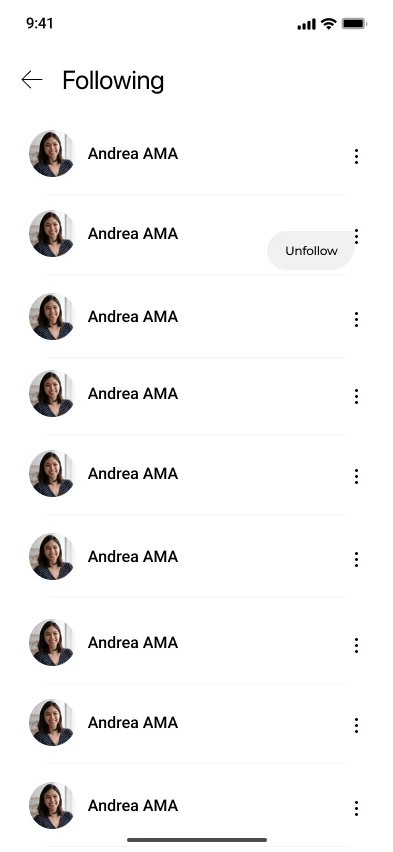
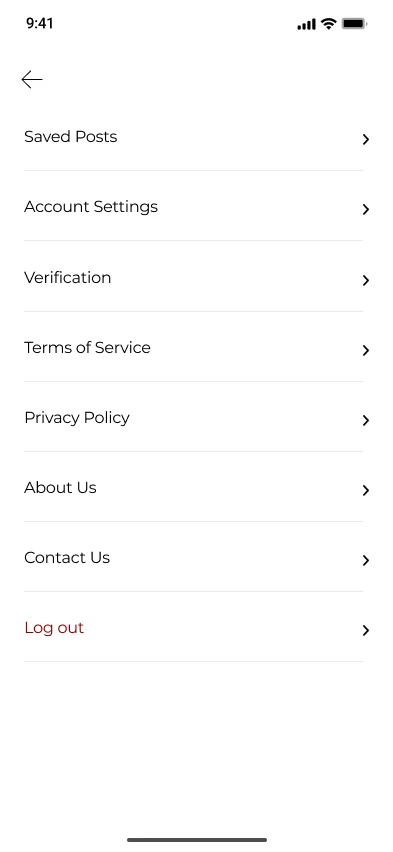
Each member has a profile with their numbers, interest tags and posts. Lists of followers and following have clear actions, and settings keep the important pages one tap away.
 Hover to scroll
 Hover to scroll

The deep plum from the Kins logo marks buttons and active states. Everything else stays white and calm, so the content leads.
Forms, groups and products sit in large rounded cards. They feel friendly and give every block of content room to breathe.
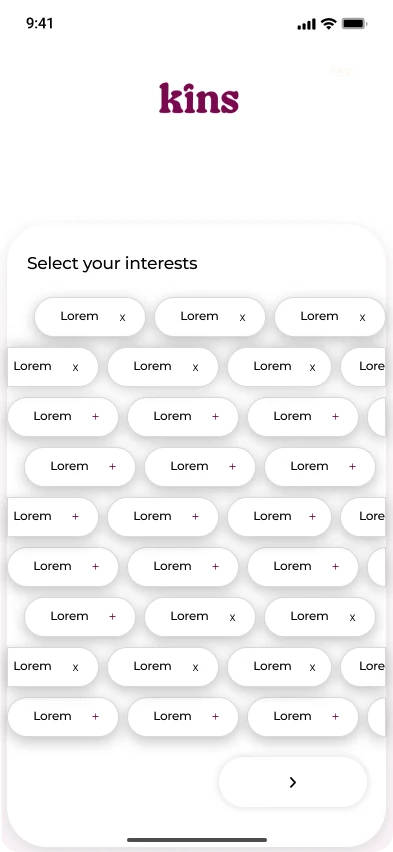
Interests, categories and product tags use the same pill shape, so people learn it once and recognise it everywhere.
Five main areas sit in a bar at the bottom of the screen, within thumb reach, so parents can move around with one hand.
Sign in, OTP, personal details and interests each get their own screen. One question at a time keeps sign up quick.
Follow, remove, unfollow, message and delete appear exactly where they are needed, with labels that need no explaining.
We designed the UI and UX of the Kins app: onboarding, the community feed, the nearby map, notifications, the marketplace and the profile and settings screens.
Yes. We design social, community and marketplace apps, from the first user flow to the final screens. See our UI/UX design service and our mobile app development service.
Call us on 0525017308 or send a message through our contact page. Tell us about your idea and users, and we will suggest the screens and flows to start with.
Share your idea and we will turn it into clear, friendly screens your users will enjoy.